Mobile Testing
- Mobile testing is the process of testing mobile applications (both native and web-based) to ensure they perform as expected on various devices and operating systems. It involves checking the functionality, usability, performance, security, and compatibility of the application. Mobile testing ensures the app provides a seamless and consistent user experience regardless of the device being used.
Mobile Testing vs Web Testing
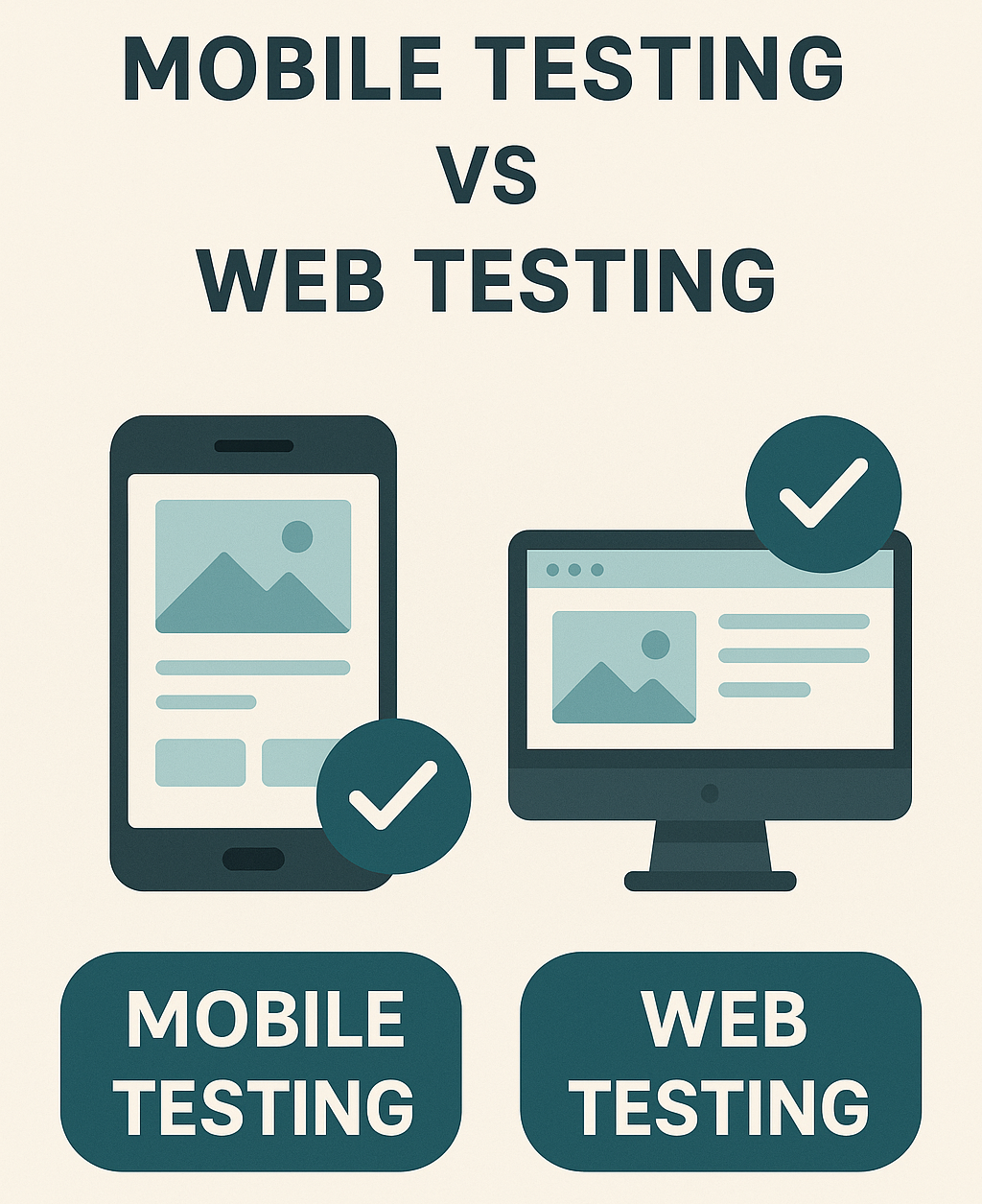
- Mobile Testing
- Web Testing
- Focuses on testing mobile apps (both native, hybrid, and web-based) across different operating systems ie: Android and iOS and devices ie: Smartphones and Tablets.
- Involves testing web applications that run in browsers on desktops and mobile devices. It focuses on ensuring cross-browser compatibility, functionality, and usability.
Key Differences Between Mobile and Web Testing
| Aspect | Mobile Testing | Web Testing |
|---|---|---|
| Platform | Mobile OS (Android and iOS). | Browsers (Chrome, Firefox, Safari, and Edge). |
| Devices | Smartphones, Tablets, and Wearable Devices. | Desktops, Laptops, and Mobile Browsers. |
| Types of Applications | Native, Hybrid, and Mobile Web. | Web applications, and Progressive Web Apps (PWAs). |
| Network Conditions | Tests under varied networks (Wi-Fi and 4G / 5G). | Generally tested over stable network connections. |
| Device Constraints | Battery life, Memory, CPU Usage. | Less constrained by hardware. |
| Screen Sizes | Wide variety (Phones and Tablets). | Desktop and responsive layouts for mobile views. |
| Interactions | Touch gestures, sensors (GPS, and Camera). | Mouse, keyboard inputs. |
| App Stores | App Store and Play Store compliance needed. | No app store requirements. |
Types of Testing in Mobile vs Web Applications
- Common Tests for Web and Mobile
- Mobile-Specific Tests
- Web-Specific Tests
Functional Testing - Validates that the application performs its intended functions.
Performance Testing - Ensures the app performs well under expected load conditions.
Security Testing - Checks for vulnerabilities like unauthorized access or data leaks.
Usability Testing - Evaluates user-friendliness and experience.
Compatibility Testing - Tests across multiple devices, screen sizes, and operating system versions. Ensures compatibility with mobile-specific features (Camera, GPS, and Accelerometer).
Network Testing - Simulates various network conditions (2G, 3G, 4G, Wi-Fi, and Airplane mode) to see how the app behaves under unstable connections.
Battery and Resource Usage Testing - Ensures the app does not consume excessive battery, CPU, or memory.
Interrupt Testing - Checks how the app handles interruptions (Calls and Notifications) during usage.
Installation and Update Testing - Verifies smooth installation, uninstallation, and updates of mobile apps.
App Store Guidelines Testing - Ensures the app complies with platform-specific rules to avoid rejection from the App Store or Google Play.
Cross-Browser Testing - Verifies that the web app works on multiple browsers (Chrome, Firefox, Edge, Safari) and across different versions.
Responsive Design Testing - Ensures the website or web app adapts to different screen sizes (desktop, tablet, mobile).
Accessibility Testing - Checks if the web app is usable by people with disabilities, following WCAG (Web Content Accessibility Guidelines).
SEO Testing - Evaluates the web app’s structure for search engine optimization (SEO) to improve its visibility on search engines.
Tools for Mobile and Web Testing
- Mobile Testing Tools
- Web Testing Tools
Appium - Supports automated testing for both Android and iOS apps.
Espresso (Android) and XCTest / XCUITest (iOS) = Native testing frameworks for mobile apps.
BrowserStack and Sauce Labs - Cloud-based platforms for mobile and cross-platform testing.
Selenium - Popular tool for automating web browsers.
Cypress - Modern web testing tool with fast feedback cycles.
Puppeteer - Headless browser testing with Chrome.
Lighthouse - Web performance and SEO auditing tool by Google.
Challenges in Mobile vs Web Testing
- Mobile Testing Challenges
- Web Testing Challenges
Device Fragmentation - Testing across a wide range of devices and OS versions.
Network Variability - Apps need to perform consistently across different networks.
App Store Approvals - Meeting stringent rules of app stores.
Battery Optimization - Avoiding excessive resource usage, which could drain the battery.
Cross-Browser Compatibility - Ensuring consistent behavior on multiple browsers.
Frequent Browser Updates - Changes in browser versions might break functionality.
Network Dependency - Web applications are heavily dependent on internet availability.
Security Vulnerabilities - Web apps are more prone to cyberattacks and data breaches.
When to Use Mobile Testing vs Web Testing
- Mobile Testing
- Web Testing
Mobile Testing is essential for apps that are installed on smartphones or tablets and make use of native features like GPS, camera, or sensors.
Example - Mobile banking apps and ride-sharing apps.
Web Testing is necessary for applications accessed through browsers, where cross-browser compatibility and performance are crucial.
Example - E-commerce websites and enterprise web portals.
Module Review
Click to start the definition to term matching quiz
Click to start the multiple choice quiz
Score: : 0 / 28 [0.00 %]
Question 1 of 28: Which Google tool is used for web performance and SEO auditing?